
Learn ChequePilot Step by Step
Watch short tutorials to set up your account, create templates, calibrate your printer, and print cheques confidently.
1. Getting Started with ChequePilot
A quick overview of the application and the recommended setup process for new users.
2. Adding Your First Bank Account
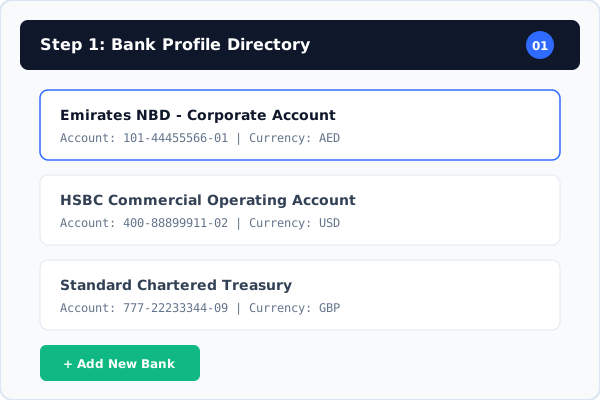
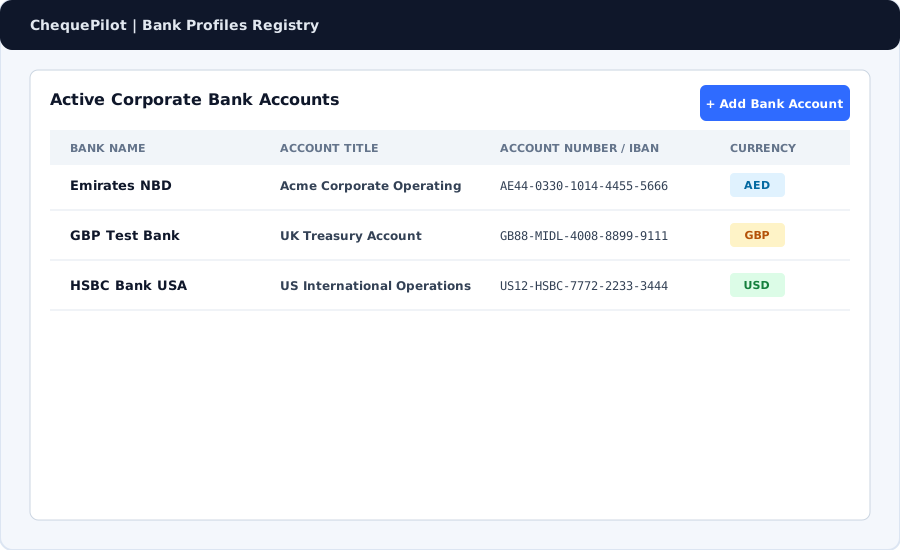
Learn how to add bank details, currencies, and account numbers to your workspace profile.
3. Creating a Cheque Template
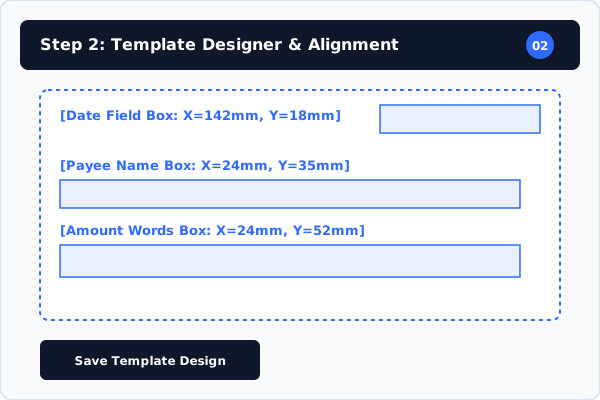
Step-by-step guide to uploading cheque images and configuring bank-specific layouts.
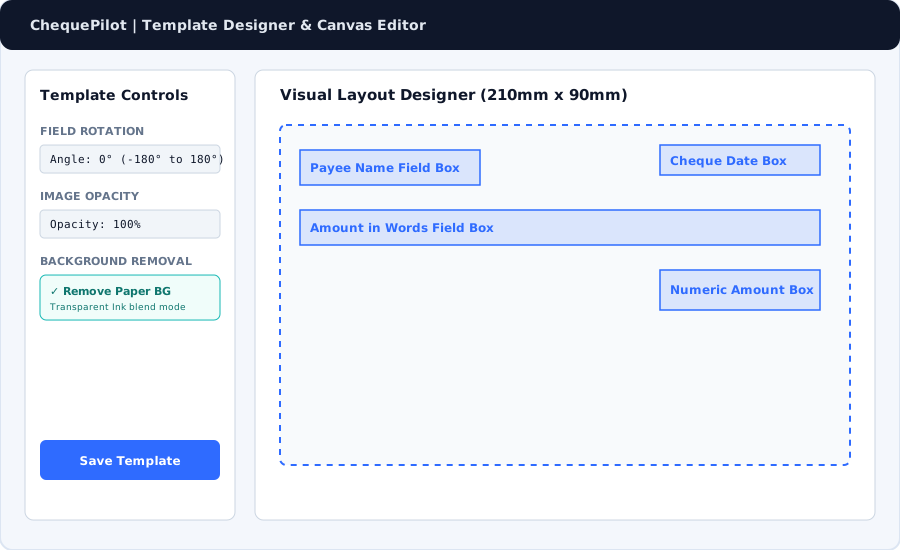
4. Setting the Actual Cheque Size
How to measure physical cheque leaves and set precise width and height in millimeters.
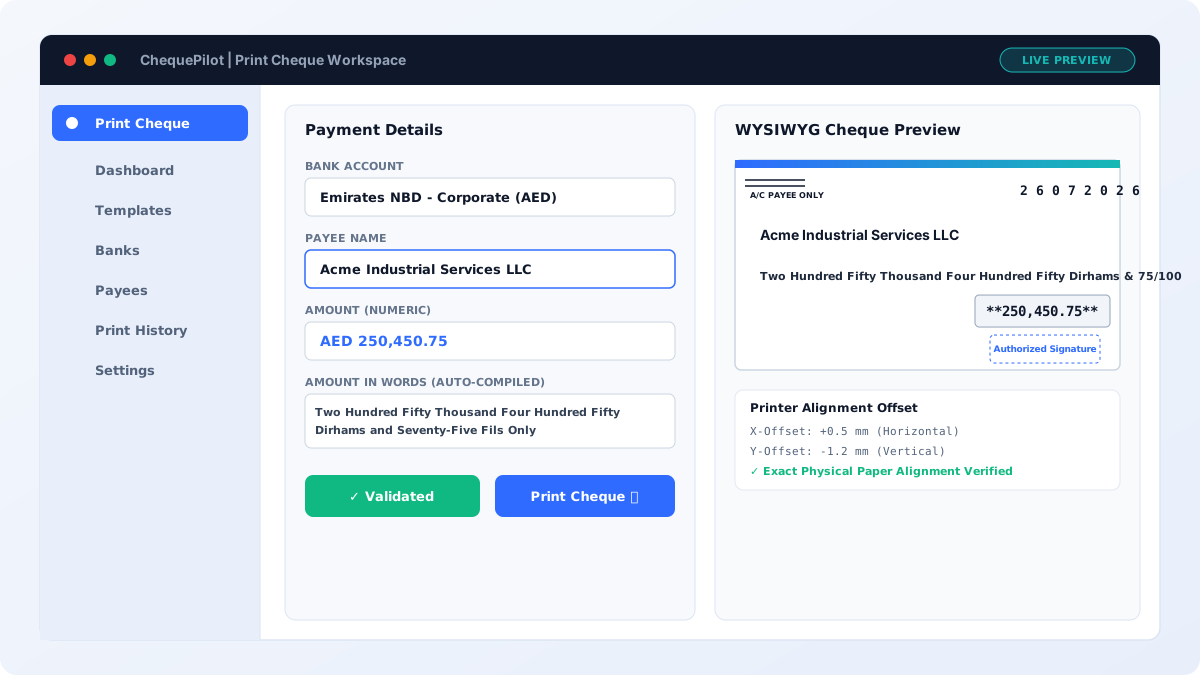
5. Positioning Cheque Fields
Drag and drop Date, Payee, Amount in Figures, and Amount in Words boxes onto your canvas.
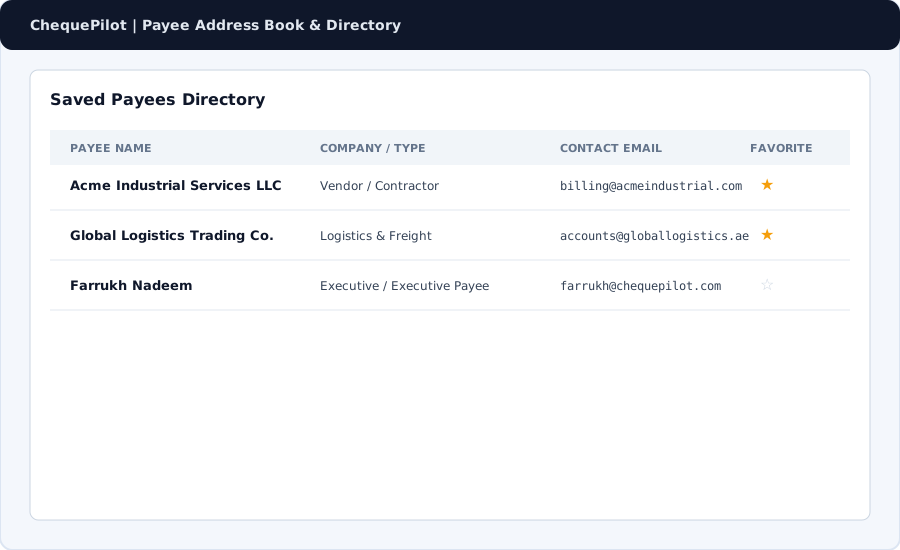
6. Adding Payees
Organize frequent vendors and payees in your address book for rapid auto-complete.
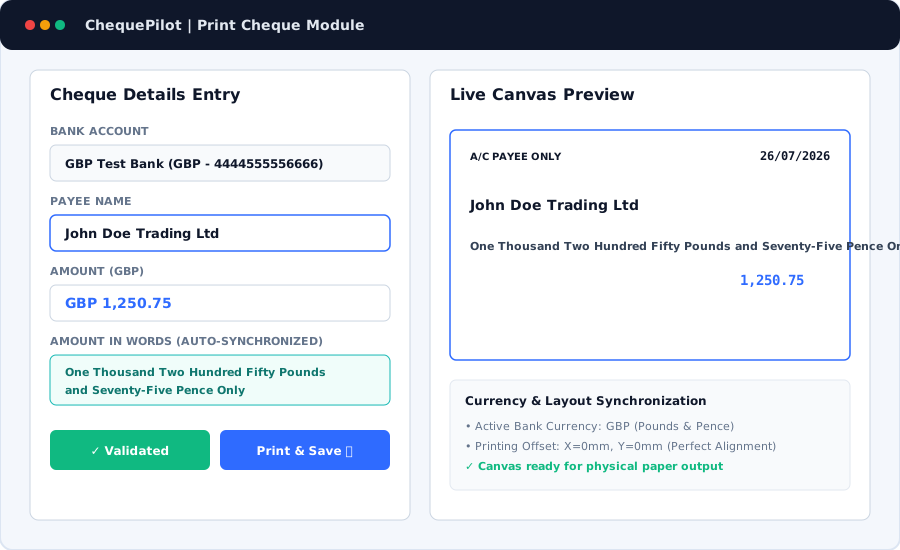
7. Printing Your First Cheque
Complete walkthrough of filling payment details, checking live preview, and triggering print execution.
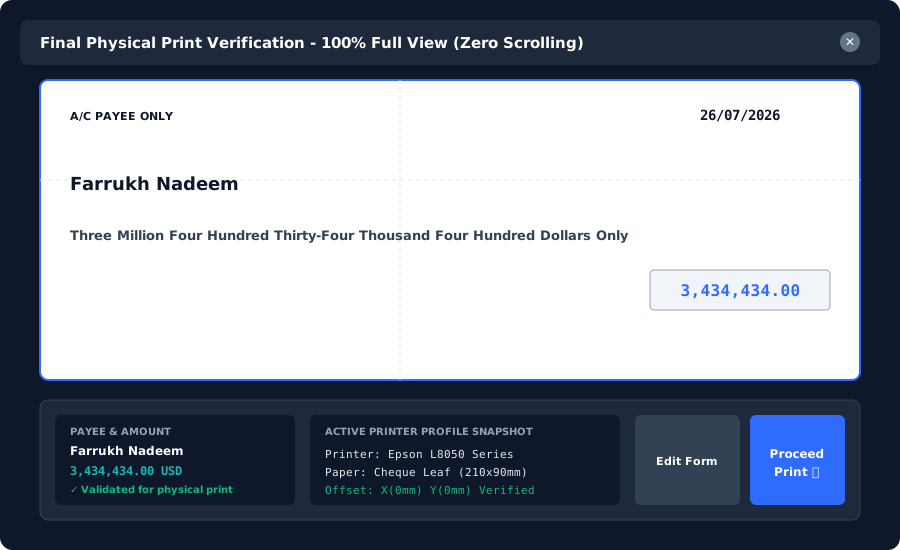
8. Printer Calibration
Adjust horizontal (X) and vertical (Y) printer offset margins to align physical paper feed.
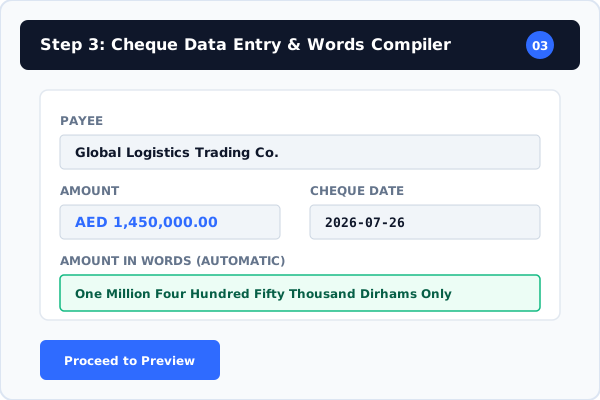
9. Saving and Using Drafts
Save unprinted cheque entries as drafts and resume editing or authorization later.
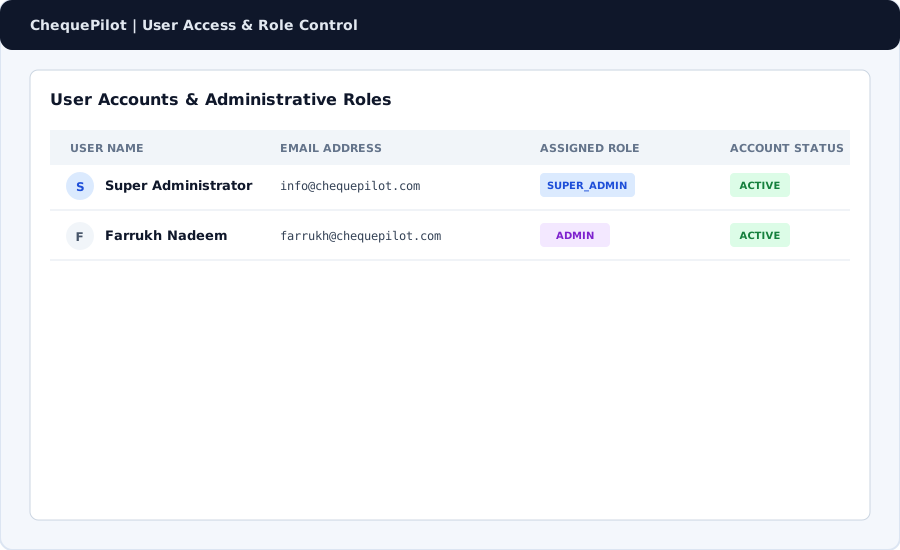
10. Managing Users and Roles
Assign Super Admin, Admin, and User privileges to authorize accounts team members.